When it comes to home entertainment, a well-calibrated TV can make all the difference. With a few simple adjustments, you can enhance your viewing experience and get the most out of your movies. The first step is to select the right picture mode. Most TVs come with a variety of preset modes, such as cinema, sports, and gaming. For movie watching, cinema mode is usually the best option, as it provides a more accurate color representation and a cinematic feel.
Another important adjustment is motion smoothing. This feature can sometimes make movies look unnatural or soap opera-like. To disable motion smoothing, go to your TV’s settings menu and look for the motion interpolation or motion smoothing option. Set it to off or low to enjoy a more authentic movie experience.
Calibrating HDR and Color
For TVs that support High Dynamic Range (HDR), calibrating the tone mapping is crucial. Tone mapping helps to adjust the brightness and color of the image to match the capabilities of your TV. You can usually find the tone mapping settings in the picture settings menu. Look for the HDR tone mapping option and adjust it to your preference.
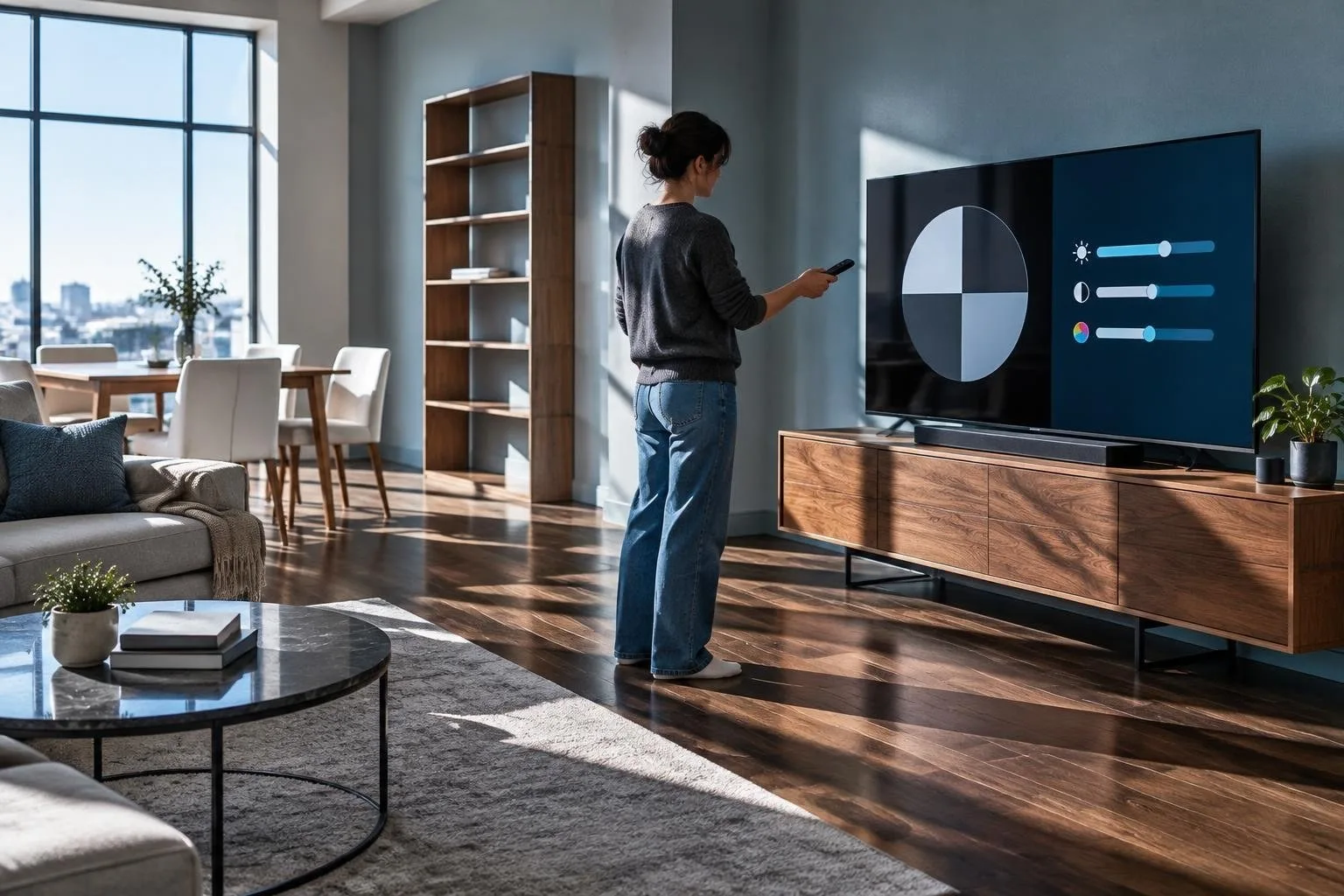
In addition to tone mapping, color calibration is also important. You can use a color calibration tool or a test pattern to adjust the color settings of your TV. These tools can help you achieve a more accurate color representation and enhance your overall viewing experience.
Audio Adjustments
While picture quality is important, audio is also a crucial aspect of the movie experience. To get the best sound, make sure your speakers are placed correctly. Ideally, they should be placed at ear level and angled towards the viewing position. You can also adjust the dialogue clarity settings to enhance the sound of voices and conversations.
Some TVs also come with night modes that can help reduce the sound level at night. These modes can be useful if you live in an apartment or have neighbors who may be disturbed by loud noises. Look for the night mode option in the audio settings menu and adjust it to your preference.
Using a Meter or Test Patterns
If you want to take your calibration to the next level, you can use a meter or test patterns to fine-tune your TV’s settings. These tools can help you achieve a more accurate color representation and optimal brightness levels. You can purchase a meter or test patterns online or use the built-in calibration tools that come with your TV.