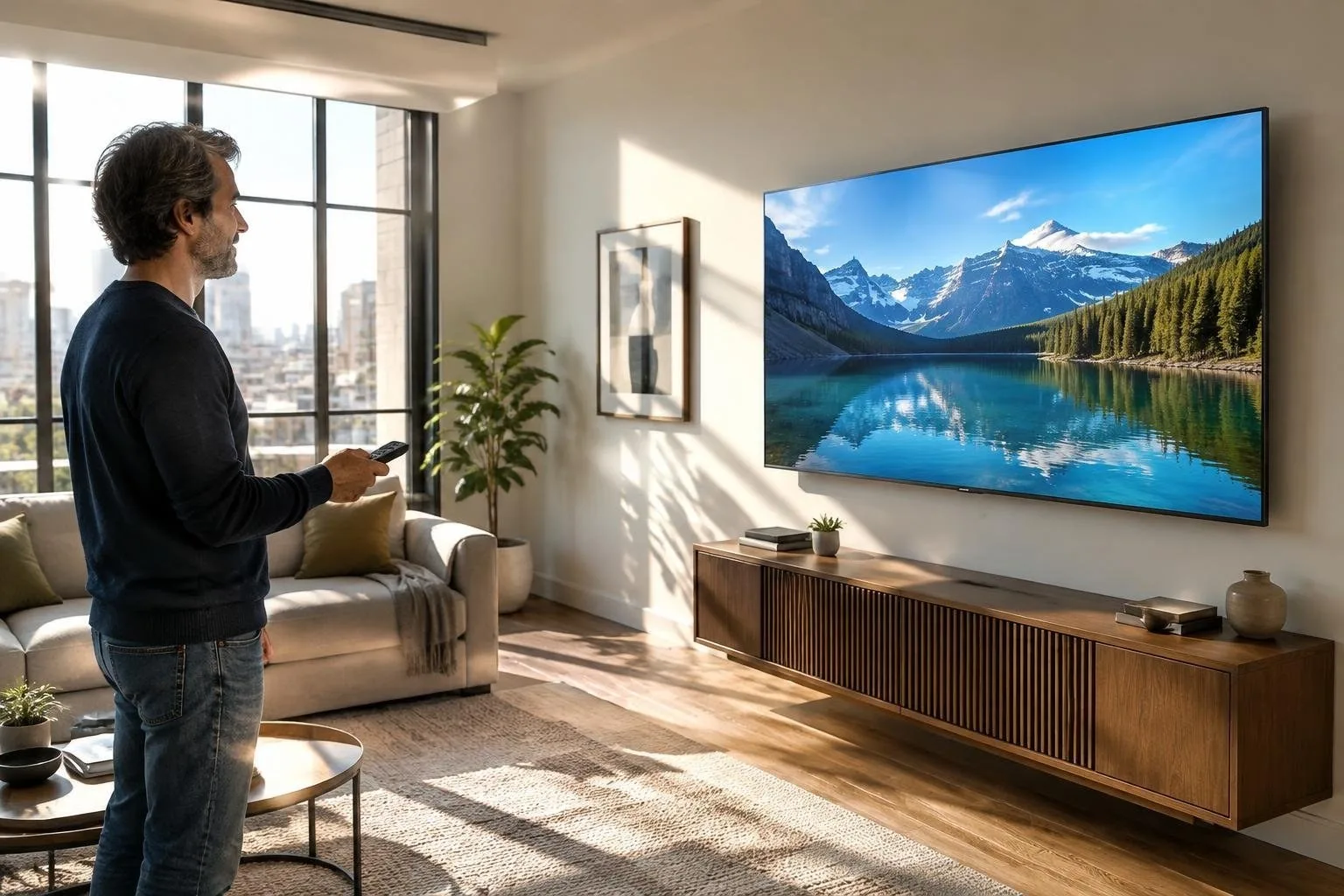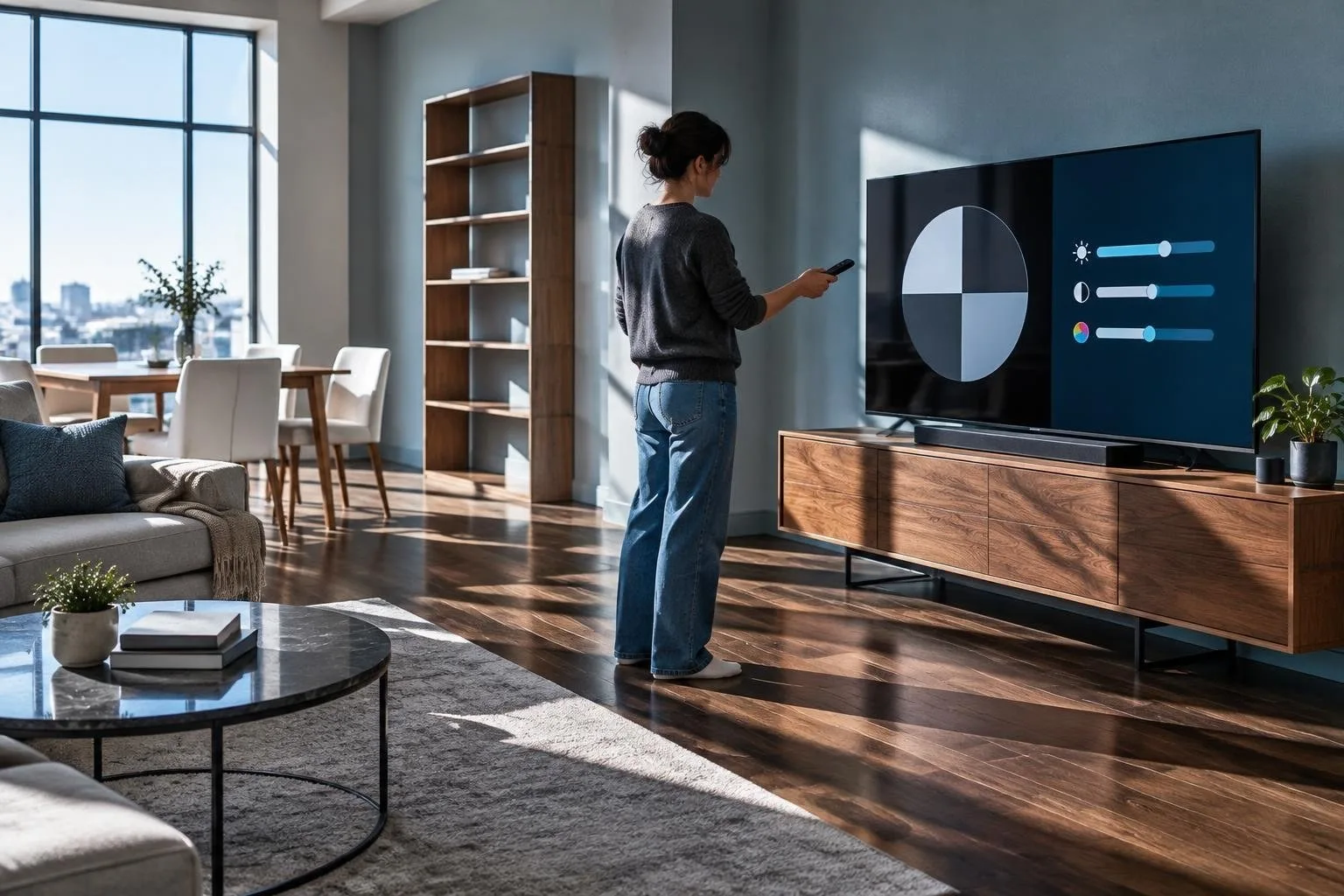
Setting up an LG OLED or a home projector can be a daunting task, especially when it comes to optimizing the picture settings. However, with a few simple steps, you can enhance your viewing experience and get the best out of your device. The key to achieving this lies in understanding the various picture modes, brightness and contrast settings, and motion smoothing options.
When it comes to picture modes, most LG OLED TVs and projectors come with pre-set modes such as cinema, sports, and game modes. Each mode is designed to optimize the picture for a specific type of content. For example, the cinema mode is designed to provide a more cinematic experience, with adjusted brightness and contrast levels.
Understanding Picture Modes
The picture modes on your LG OLED or projector can greatly impact your viewing experience. The cinema mode, for instance, is designed to provide a more cinematic experience, while the sports mode is optimized for fast-paced content. The game mode, on the other hand, is designed to reduce input lag and provide a more responsive gaming experience.
Adjusting Brightness and Contrast
Adjusting the brightness and contrast levels can also greatly impact your viewing experience. The brightness setting controls the overall light output of the screen, while the contrast setting controls the difference between light and dark areas. Finding the right balance between these two settings can help to create a more immersive viewing experience.
Motion Smoothing and HDR Tone Mapping
Motion smoothing is another feature that can enhance your viewing experience. This feature helps to reduce motion blur and provide a smoother picture. Additionally, HDR tone mapping can help to optimize the picture for high dynamic range content, providing a more detailed and nuanced picture.
Room Lighting and Quick-Reference Presets
The lighting in your room can also impact your viewing experience. It’s recommended to watch your LG OLED or projector in a darkened room to get the best picture. Additionally, using quick-reference presets can help you to quickly switch between different picture modes. For example, you can use the movie preset for movies, the game preset for gaming, and the streaming preset for streaming content.
By following these simple steps and understanding the different picture modes, brightness and contrast settings, and motion smoothing options, you can optimize your LG OLED or projector and enhance your viewing experience. With a little practice and experimentation, you can find the perfect settings for your device and enjoy a more immersive and engaging viewing experience.