
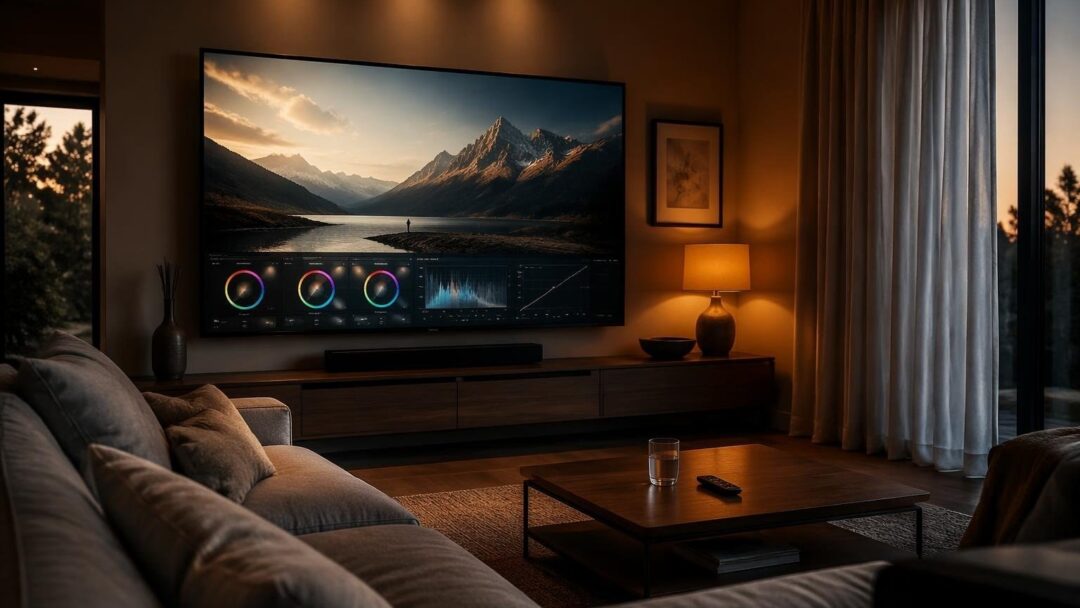
Calibrating tv settings is crucial for a cinematic experience at home. With the rise of streaming services, it’s easier than ever to access a wide range of movies and series. However, to fully appreciate the visuals, it’s essential to adjust the tv settings to optimize the picture quality.
The first step is to select the correct picture mode. Most modern tvs come with preset picture modes, such as movie or cinema mode, which are designed to provide an immersive viewing experience. These modes typically adjust the brightnesscolor and contrast to create a more cinematic feel.
Understanding Picture Modes
When it comes to picture modes, there are several options to choose from. The most common modes include standardvividmovie and game mode. Each mode is designed for a specific type of content, so it’s essential to select the correct mode for the type of content being watched.
For example, movie mode is designed to provide a more cinematic experience, with adjusted brightness and color settings. On the other hand, game mode is designed to reduce input lag and provide a faster response time.
Calibrating Brightness and Color
Once the correct picture mode is selected, it’s essential to adjust the brightness and color settings. The brightness setting should be adjusted to a level that provides a clear and visible picture, without being too harsh or overwhelming.
The color setting should be adjusted to provide a natural and realistic color palette. This can be achieved by adjusting the color temperature setting, which can range from warm to cool.
Motion Smoothing and HDR
Motion smoothing, also known as motion interpolation can be a useful feature for reducing motion blur and providing a smoother picture. However, it can also create the soap-opera effect which can be distracting and unnatural.
HDR (High Dynamic Range) is a feature that provides a wider range of colors and contrast levels. It can be activated for HDR-compatible content such as movies and series, to provide a more immersive and engaging viewing experience.
Calibration Profiles for Different Rooms
Calibration profiles can vary depending on the room and lighting conditions. For example, a dark room may require a different calibration profile than a bright room.
A dark room calibration profile may include a lower brightness setting and a warmer color temperature to create a more cinematic and immersive experience.
A bright room calibration profile may include a higher brightness setting and a cooler color temperature to compensate for the ambient light.
For projector calibration, it’s essential to adjust the brightness and color settings to compensate for the projector’s limitations and the room’s lighting conditions.


