
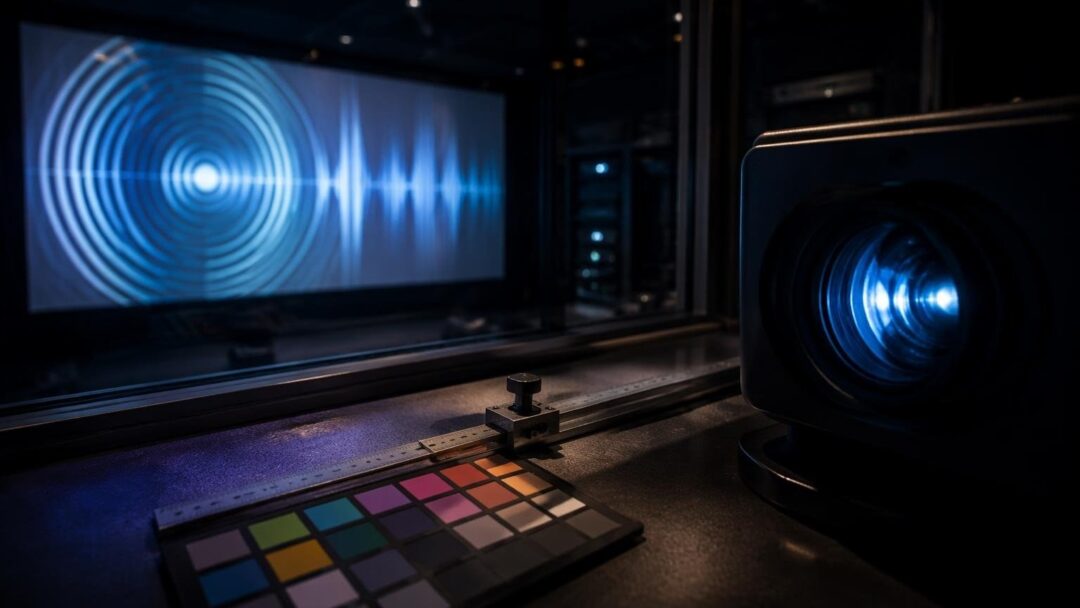
Calibrating a projector can seem like a daunting task, but with the right approach, it can be a straightforward process. The goal of calibration is to achieve optimal picture quality, taking into account factors such as brightnesscolor accuracy and motion handling. To start, it’s essential to understand the basics of projector calibration and the tools required to get the job done.
A key component of the calibration process is the use of test patterns. These patterns are designed to help adjust the projector’s settings, ensuring that the image is properly aligned, focused, and colored. Some common test patterns include grids, color bars, and pluge patterns, which help to set the optimal black level and contrast.
Understanding Ambient Light
Ambient light can have a significant impact on the When calibrating a projector, it’s crucial to consider the ambient light in the room, as it can affect the brightness and color accuracy of the image. To minimize the impact of ambient light, it’s recommended to calibrate the projector in a dark or dimly lit room, using light-blocking curtains or screen materials to reduce reflections.
Gaming vs Film Modes
Most projectors come with pre-set modes for gaming and film viewing. These modes are designed to optimize the picture quality for specific types of content. Gaming mode typically prioritizes low input lag and fast motion handling while film mode focuses on color accuracy and contrast ratio. When calibrating a projector, it’s essential to choose the correct mode for the type of content being viewed.
Step-by-Step Calibration Process
To calibrate a projector, follow these steps:
- Connect the projector to a source device, such as a Blu-ray player or gaming console.
- Display a test pattern, such as a grid or color bars, and adjust the projector’s settings accordingly.
- Set the optimal black level and contrast using a pluge pattern.
- Adjust the color temperature and color space to achieve accurate color representation.
- Choose the correct mode for the type of content being viewed, such as gaming or film mode.
For convenience, downloadable settings sheets can be used to record the optimal settings for each mode. These sheets can be found online or created manually, using a template to record the settings for each test pattern and mode.


